Optimizing Images for Google Discover: A Checklist for Maximum Visibility
Boost your website's traffic by getting featured on Google Discover. Use our comprehensive image SEO checklist to ensure your visuals meet Google's high standards.
Imagine waking up to a massive spike in traffic without spending a dime on ads. That's the power of Google Discover. Unlike traditional search, Discover proactively serves content to users based on their interests. And for Discover, your images are the most important factor in personalized multimodal recommendation.
If your visuals don't meet Google's specific technical and quality requirements, your high-quality content will never see the light of day. In this guide, we provide a proven checklist to optimize your images for maximum visibility.
The #1 Rule: High-Quality, Compelling Visuals
Google explicitly states that to be eligible for Discover, your content must use high-quality images. But 'high quality' isn't just about resolution; it's about engagement. Your image should be clear, relevant, and compelling enough to make a user stop scrolling.
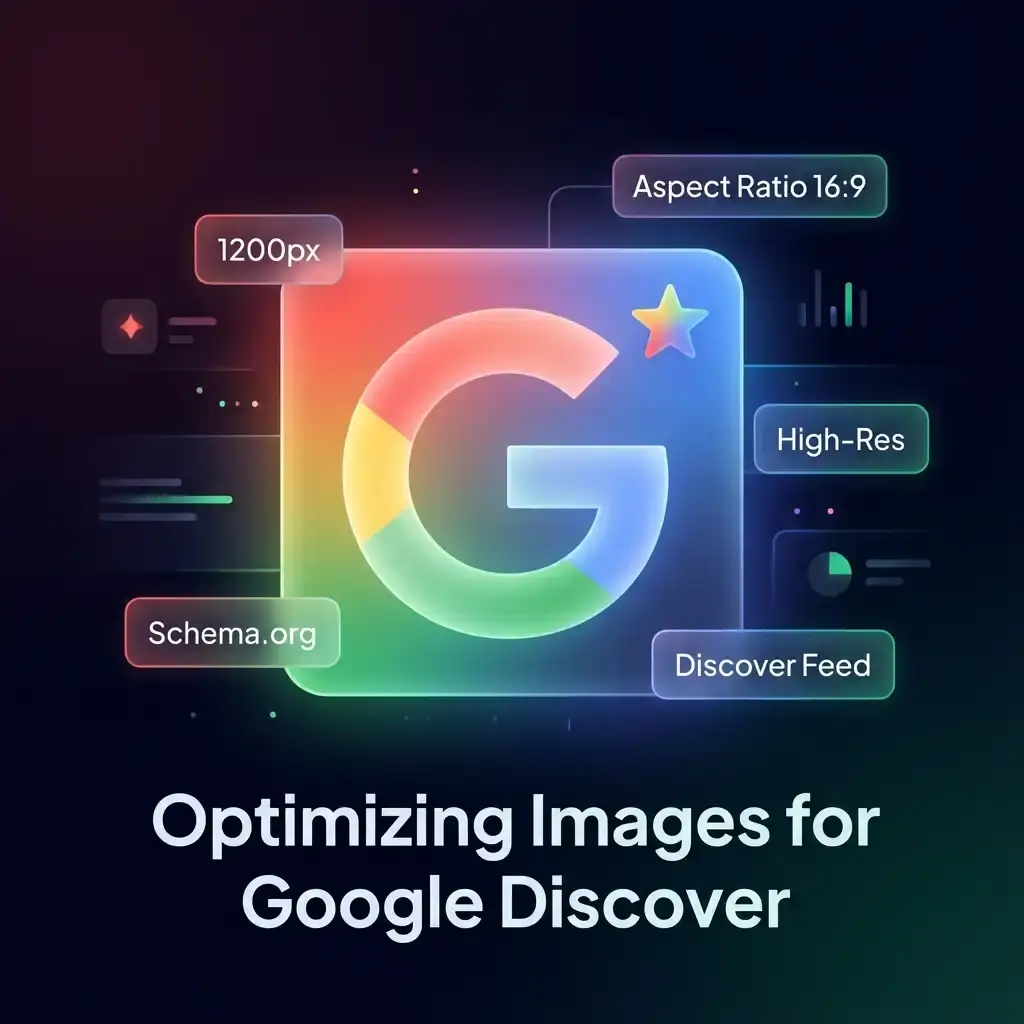
Pro Tip: Large images are much more likely to generate clicks from Discover. Google recommends that your large images be at least 1200 pixels wide.
The Google Discover Image Checklist
To give your articles the best chance of appearing in the Discover feed, follow this technical checklist for every featured image:
1. Mind the Dimensions
- Minimum Width: 1200 pixels. Small thumbnails are often ignored by the Discover algorithm.
- Aspect Ratio: Use compelling 16:9, 4:3, or 1:1 ratios. Landscape images (16:9) tend to perform best in the mobile feed.
2. Optimize for Speed
Discover is a mobile-first experience. If your 1200px image is several megabytes in size, your page will load too slowly, hurting your chances. Use our Compress tool to shrink your file size while maintaining crystal-clear quality.
3. Use Modern Formats
While JPG is standard, modern formats like WebP provide better compression and faster load times. Converting your high-res originals to WebP is a smart move for mobile SEO.
4. Add Proper Metadata
Ensure your images have descriptive alt text. This helps Google understand the context of the visual and how it relates to the user's interests.
Leveraging Structured Data (Schema.org)
Technical SEO doesn't end with the image file itself. Using JSON-LD structured data is a powerful way to signal to Google that your content is a high-quality article or tool.
By including the SoftwareApplication or Article schema, you provide Google with explicit details about your content, making it easier for their AI to match your post with the right audience.
The Role of 'I Love Imge' in Your SEO Strategy
Optimizing dozens of images manually can be exhausting. Our platform simplifies the process:
- Resize: Quickly scale your images to the 1200px width requirement with our Resize tool.
- Compress: Reduce file weight without losing the 'high-quality' look Google demands.
- Convert: Switch to WebP or other modern formats in seconds.
Conclusion
Google Discover is an incredible source of 'passive' traffic, but it rewards only those who pay attention to visual detail. By following this checklist and using professional optimization tools, you can significantly increase your chances of being featured.
Ready to optimize your site? Try our Image Tools today and see the difference in your performance!
FAQ
How do I know if my image is on Google Discover?
You can check your performance in Google Search Console under the 'Discover' report. This will show you exactly which pages and images are appearing in users' feeds.
Is there a specific file size limit?
While there's no hard limit, images under 100KB are ideal for mobile performance. Anything over 300KB might slow down your page enough to be disqualified from top positions.
Can I use stock photos for Google Discover?
Yes, but original, high-quality photography usually performs better. If using stock photos, try to choose unique ones and optimize them so they don't look like generic templates.
Does the image alt text matter for Discover?
Yes. Alt text helps Google's machine learning algorithms understand what the image represents, which is crucial for matching it with user interest categories.