Why is it important to use compressed images for a web page
Discover why compressed images are crucial for your website's speed, user experience, and SEO rankings to boost performance and engagement.
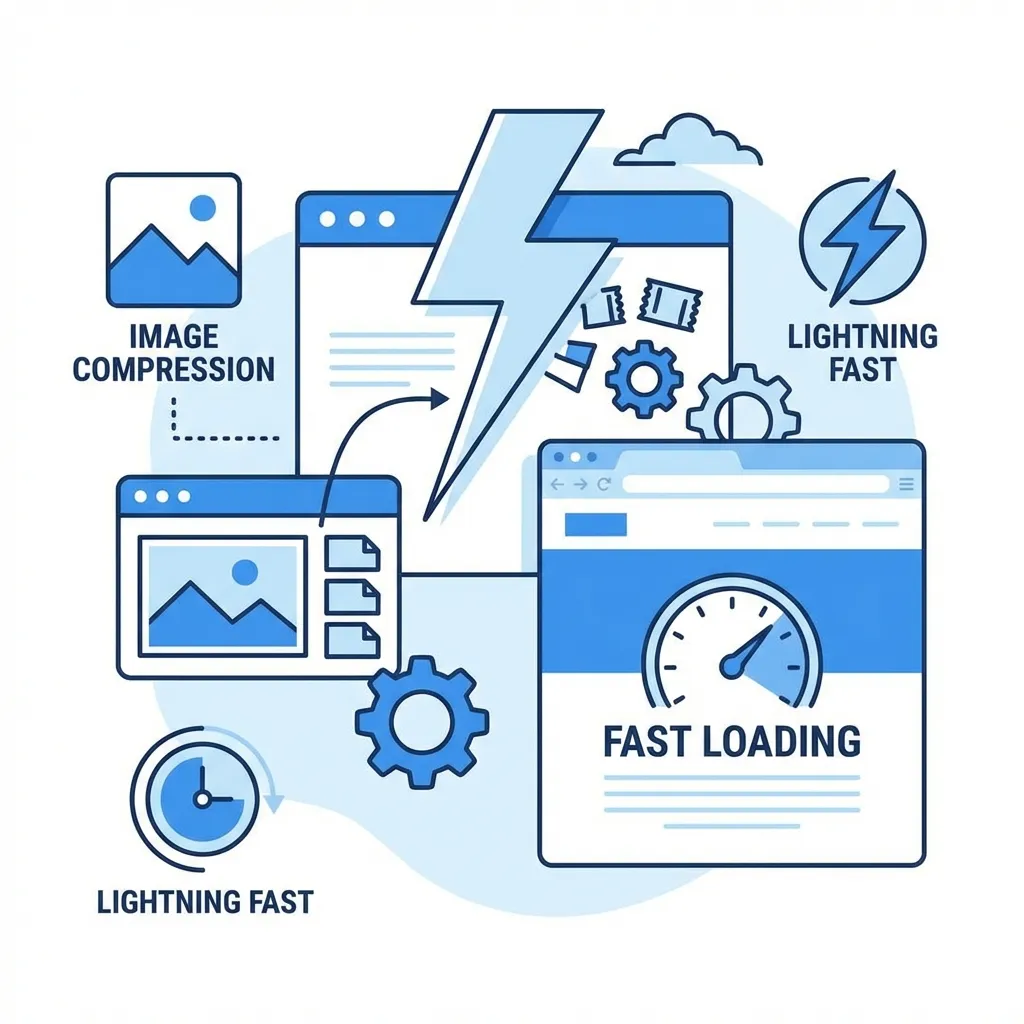
Have you ever wondered why some websites load fast while others are slow? The answer is image optimization and compressed images.
Smart image management is key to web performance. Unoptimized images can make your site slow and frustrating. Big, uncompressed images use a lot of bandwidth, slowing down your site.
In today's mobile world, speed matters a lot. Sites that load in two seconds keep users engaged. But slower sites lose visitors. Image compression is vital for fast and good-looking sites.
Compressed images are more than just tech details. They make your site fast and beautiful. Users love it, and search engines reward you with better rankings.
Knowing how to optimize images is now crucial. It's essential for websites that want to offer great user experiences in our fast-paced digital world.
Understanding Image Compression and Its Impact on Web Performance
Image compression is key for website owners wanting to improve their digital content. It makes images smaller without losing quality. This helps websites load faster on all devices and networks.
What Is Image Compression?
Image compression is a way to reduce file size without losing image quality. It uses special algorithms to remove unnecessary data. This makes images easier to store and share online, which is great for web performance.
Lossy vs Lossless Compression Techniques
There are two main types of image compression: lossy and lossless. Lossy compression makes images smaller by removing data, best for photos. Lossless compression keeps every pixel, ideal for graphics needing exact detail like logos.
Common Image File Formats and Their Compression
Each file format uses compression differently. JPEG is good for photos with lossy compression. PNG is best for graphics needing transparency with lossless compression. WebP is versatile, supporting both methods efficiently. Knowing these formats helps choose the right compression for your images.
How Compressed Images Dramatically Improve Page Load Speed
Optimizing website speed is key, and reducing image quality is a big part of it. Web users want pages to load fast, and compressed images help a lot. Studies show that cutting down image sizes can make pages load up to 50% faster.
Big, uncompressed images slow down websites a lot. Even one big photo can make a site slow, even on phones with slow internet. Using smart image compression makes websites load fast and smooth.
By making images smaller without losing quality, you make websites load faster. New compression tools keep images clear while using less data. This means websites load quickly on all devices and internet speeds.
Mobile users will really notice the difference. Compressed images make browsing on phones and tablets smooth. Your site becomes more fun to use, keeping visitors longer and reducing them leaving your site.
Every second matters online. Sites that load in two seconds keep visitors interested and boost sales. By focusing on image compression, you're not just making your site faster. You're making it better for everyone.
The Role of Image Optimization in SEO and Core Web Vitals
Search engines are getting smarter at checking how well websites work. How fast your site loads affects how visible it is and its ranking chances. Using smart image compression can really boost your site's online presence by making it faster.
Google's rules now favor sites that are quick and easy to use. By making images smaller, you save a lot of bandwidth. This means your site loads faster, which search engines like and reward with better rankings.
Page Speed and Search Engine Performance
How fast your site loads is very important for search engines. Compressed images help make your site faster. When you make your images smaller, you tell search engines your site cares about user experience.
Core Web Vitals and User Experience
Google's Core Web Vitals check how users interact with your site. Largest Contentful Paint (LCP) looks at how fast your main content shows up. By compressing images, you can make your LCP scores much better.
Compressed images make your site load faster and feel more responsive. This not only helps your site rank better but also makes it easier for visitors to use.
Best Practices for Implementing Image Compression on Your Website
Optimizing images is key for fast website performance and better user experience. How you compress images greatly affects page load times and site efficiency.
Modern web design needs smart use of file compression tools. These tools make your images look great while keeping performance high. They reduce file sizes without losing quality.
Selecting the Right Image Format
Picking the right file format is crucial for image compression. JPEG is best for photos, and PNG for graphics with transparency. WebP and AVIF are new formats that offer great compression and image quality.
Responsive Image Techniques
Use responsive image strategies with the srcset attribute. This ensures images are the right size for any device. File compression tools can automate this, making images sharp on any screen.
Progressive Loading Strategies
Use lazy loading with the loading="lazy" attribute. This loads images only when they're in view, speeding up page loading. Top file compression tools often have lazy loading features to help optimize your site.
By choosing the right file compression tools and using smart image optimization, you can make your website faster and more efficient. This leads to a better user experience.
Conclusion
Image compression is a key way to make your website faster. It reduces file sizes without losing quality. This makes your site quicker and more fun for visitors.
This method is important for many reasons. It makes users happy and helps your site rank better in search engines. Faster sites mean happier users and better rankings.
Using smart image compression has big benefits. Your site will load faster, which means people will stay longer. This is great for keeping users interested and improving your site's visibility.
Start by checking all your images. Look for tools that fit your site's needs. New technologies can make images smaller without losing quality.
By focusing on image optimization, you're making your site better. It will be faster and more user-friendly. This keeps people coming back and engaged.
Improving your website is a never-ending task. Start with image compression and keep working on it. The web rewards sites that are fast, efficient, and user-friendly.
FAQ
What exactly is image compression?
Image compression makes images smaller by removing unnecessary data. It uses special algorithms to keep the image looking good. This way, you can make images smaller without losing their quality, which helps your website load faster.
What's the difference between lossy and lossless compression?
Lossy compression makes images smaller by removing some data. It's good for photos where small changes don't matter. Lossless compression keeps every pixel perfect, which is great for graphics and text where quality is key.
Which image format should I use for my website?
The right format depends on your content. JPEG is best for photos, PNG for graphics with transparency, and WebP for versatile needs. AVIF is the latest, offering top compression and features like HDR. Think about your content and browser support when choosing.
How much can image compression actually improve my website's performance?
Image compression can cut page load times by 50% or more. Properly compressed images make your site fast, keeping visitors happy. Aim for a two-second load time to keep users engaged.
Does image compression affect search engine rankings?
Yes, it does. Google uses page speed as a ranking factor. Compressed images improve your site's speed, boosting user experience and search rankings. This can increase your organic traffic.
Are there tools to help me compress images?
Yes, many tools are available. You can use manual tools like TinyPNG, software like Adobe Photoshop, or automated solutions like image CDNs. These make optimizing images easy, no matter the size of your website.
Will image compression reduce my image quality?
Modern compression methods aim to keep quality high. Techniques like selective data removal and formats like AVIF help. Choose the right method for your image type to keep quality while reducing size.
How does image compression benefit mobile users?
Mobile users face slow speeds and limited bandwidth. Compressed images load faster, improving their experience. This keeps mobile visitors happy and reduces bounce rates.
Can image compression help reduce hosting costs?
Yes, it can. Smaller images mean less bandwidth and storage needed. This saves money on hosting, which is great for high-traffic sites. It also helps the environment by reducing server load.
Is it complicated to implement image compression on my website?
Not at all. Modern tools and techniques make it easy. Use the element, srcset attributes, and automated services. Many platforms offer built-in image optimization features.