Easily Reduce JPEG File Size: Simple Techniques to Downsize Images
Discover easy ways on how to make a JPEG smaller. Optimize your images for web use and improve page load times.
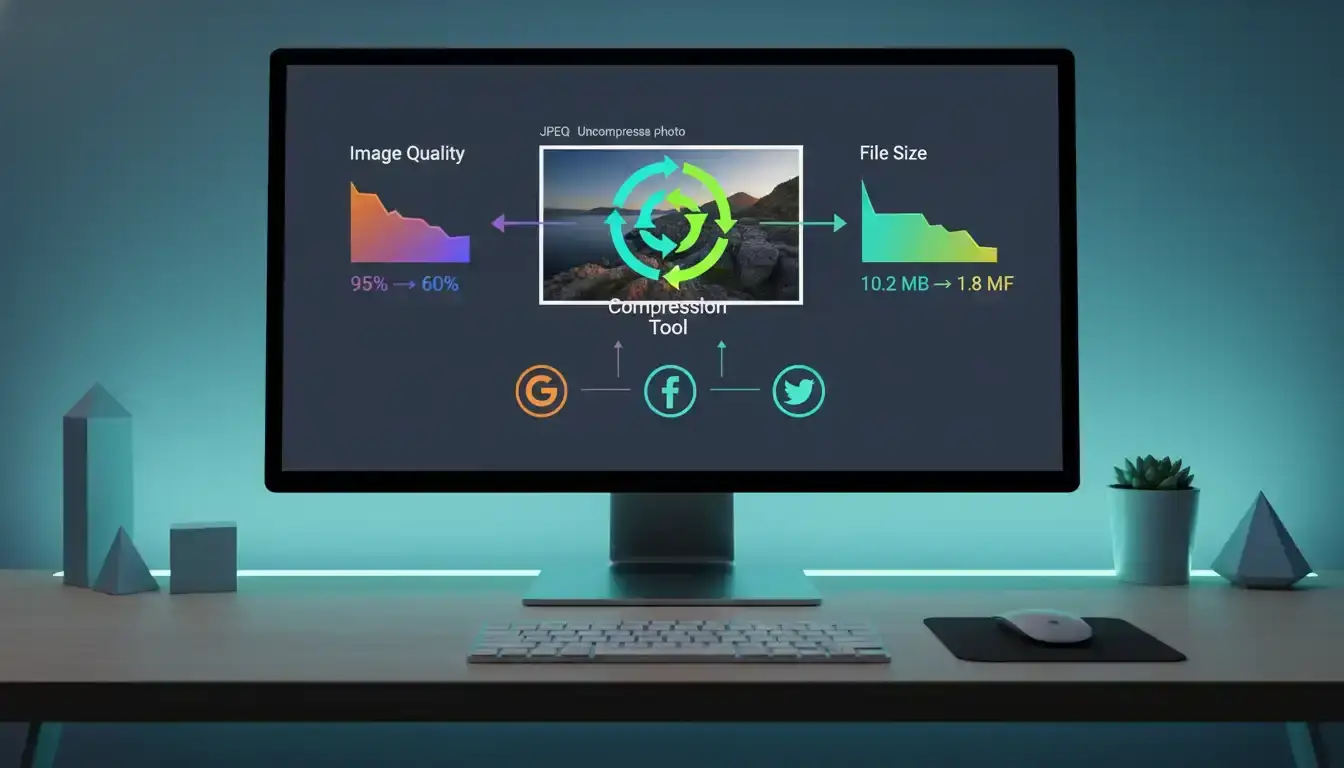
Have you ever wondered why a simple photo from your phone can be so difficult to email or upload?
JPEG files are everywhere. You find them on websites, online stores like Shopify, and in your personal photo library. Their reasonably small file size makes them a digital favorite. But sometimes, these image files are much larger than you expect.
This creates real problems. Large files consume excessive storage space on your devices and cloud accounts. They can dramatically slow down your website, frustrating visitors. They even hit strict email attachment limits, stopping you from sharing memories.
Modern smartphones and professional cameras are to blame. They capture stunning, high-resolution pictures. These images are rich with color data and hidden details like location info. A single photo can easily reach 5 MB or more.
For most everyday uses—posting on the web, sending via email, or managing your storage—that level of detail is unnecessary, and advanced methods like LMCompress are demonstrating how large models can further optimize lossless data compression beyond traditional JPEG limits.
This guide will show you practical ways to tackle this common issue. You will learn to balance visual appeal with optimal file size for any purpose.
Understanding JPEG Files and Compression Basics
At the heart of every JPEG file lies a sophisticated compression system that intelligently manages image data. This technology allows your photos to maintain excellent visual appeal while occupying less digital space.
What is JPEG Compression?
JPEG uses lossy compression by design. This method selectively removes visual information that human eyes typically miss during normal viewing. The process relies on mathematical formulas called quantization tables.
These tables determine the compression level applied to your images. Different software applications use varying formulas, creating a noticeable difference in output. Most JPEG compression achieves 40-80% file size reduction without visible quality loss.
This creates what experts call "visually lossless" compression. Your pictures look great while being significantly smaller. The format is built for efficiency, but rich content can still produce heavy files.
Why File Size Matters for Web and Storage
Smaller image files dramatically improve website performance. They load faster, creating better user experiences and improving search rankings. This matters a lot for online businesses and personal sites alike.
Storage concerns are equally important. Large JPEG files quickly consume device memory and cloud storage quotas. They make backup processes slower and more expensive over time.
Sharing images becomes easier with optimized file sizes. Email services and social platforms impose strict limits that oversized JPEGs often exceed. Proper compression ensures smooth sharing across all digital channels.
Practical Guide: How to Make a JPEG Smaller
Optimizing JPEG files involves straightforward techniques that anyone can master with basic guidance. You can achieve significant reductions while maintaining excellent visual appeal for your intended use.
Step-by-Step Overview of the Process
Three primary approaches work effectively for reducing digital photo storage requirements. Compression adjusts quality settings to remove invisible visual data. Resizing decreases pixel dimensions to match display needs.
Metadata removal strips hidden information like camera settings and location data. Combining these methods often produces the best results. You get maximum file size reduction with preserved image clarity.
Balancing Image Quality and File Size
Finding the right balance depends on your specific needs. Web and social media usage typically allows for aggressive optimization. The compressed versions appear virtually identical to originals on screens.
Professional printing or portfolio display may require higher quality settings. Smart algorithms help determine the optimal compromise. They maintain visual integrity while significantly reducing the final file size.
Experimentation with different settings builds your confidence. You learn what works best for various applications and platforms.
Using Online Tools and Software for JPEG Optimization
Professional-grade image compression is now accessible through user-friendly online platforms that require zero technical expertise. These web-based solutions handle the complex work for you, delivering optimized files ready for immediate use.
Exploring Popular Online Resizers and Compressors
Several standout websites dominate the online compression landscape. TinyIMG features a drag-and-drop interface supporting batch processing of multiple photo files simultaneously. This is particularly valuable for Shopify merchants managing product galleries.
Smallpdf stands out with its completely free access and robust security measures. Your images receive 256-bit TLS encryption during transfer and automatic deletion after one hour. The platform maintains quality while significantly reducing file sizes.
Compress-or-die.com serves professionals needing granular control. Its expert mode allows precise adjustment of compression levels for perfect balance. European GDPR compliance ensures your data privacy remains protected throughout the process.
Advantages of Automated Compression Tools
These specialized tools save considerable time compared to manual editing methods. They employ sophisticated algorithms that often outperform default software settings. This eliminates the need for expensive professional software subscriptions.
Security features provide peace of mind when handling sensitive images. Encrypted transfers and automatic deletion policies protect your digital assets. Many services operate without watermarks, preserving your original content integrity.
Industry professionals consistently report superior compression results using these dedicated platforms. The combination of efficiency, security, and quality makes online tools the preferred choice for modern image optimization needs.
Resizing and Adjusting Resolution Without Sacrifice
Smart dimension adjustments can dramatically shrink your photo files while maintaining excellent screen quality. The relationship between pixel count and storage requirements is direct and powerful.
When you reduce the physical dimensions of an image, you effectively decrease the amount of data it contains. This approach often delivers better results than compression alone.
How to Change Dimensions Effectively
Pixel dimensions directly determine your file size. A 4000x3000 pixel photo contains significantly more data than a 1200x900 version. Most screens cannot display the full resolution of modern camera images anyway.
Always maintain your aspect ratio when resizing. Look for the lock icon in editing software to preserve proportions. This prevents distortion while optimizing file size.
Choose appropriate dimensions for your specific needs. Social media posts rarely require more than 1200 pixels wide. Website headers often work well at 1920 pixels maximum.
The Role of Resolution in File Size Reduction
Resolution settings significantly impact your final file size. Digital displays work perfectly with 72 PPI (pixels per inch). Professional printing requires 300 PPI for sharp results.
Using higher resolution than necessary creates unnecessarily large files. Screen viewing cannot benefit from extra pixel density beyond what the display can show.
Select advanced resampling methods like Bicubic Sharper when downsizing. These algorithms preserve edge clarity and detail better than basic options. Your images maintain visual appeal while achieving substantial size reduction.
Platform-Specific Techniques: Windows, Mac, Android, and iOS
Your computer or mobile device contains powerful built-in tools for managing photo file sizes. Each operating system provides distinct methods for optimizing your digital images without additional downloads.
Using Built-In Tools Like Paint and Preview
Windows users can leverage the Photos app or classic Paint application. Navigate to the resize button and adjust dimension settings for immediate results. The lock icon feature maintains proper aspect ratios automatically.
Mac owners benefit from Preview's robust capabilities. Access the Tools menu to modify your jpg file dimensions efficiently. This native software handles multiple images simultaneously.
Android devices support basic editing through gallery applications. iOS incorporates High Efficiency mode in Camera settings. This reduces photo file size during capture.
Third-Party Apps and Software Options
Specialized applications offer enhanced control over compression settings. Photo & Picture Resizer provides simple interfaces for Android users. These tools apply changes with automatic saving features.
Professional software like Photoshop delivers granular control. The Image Size dialog box enables precise adjustments. Third-party solutions often outperform built-in options for complex projects.
Consider your specific needs when choosing between native and external tools. Built-in applications work well for quick adjustments. Dedicated software suits advanced jpeg optimization requirements.
Advanced Tips for Maintaining Image Quality During Compression
Mastering advanced techniques ensures your pictures look perfect while occupying minimal digital space. These methods focus on intelligent data management beyond simple settings adjustments.
You can achieve significant reductions without any visible impact on your photos.
Removing Metadata and Optimizing Color Data
Your camera embeds hidden EXIF data into every shot. This includes GPS coordinates, timestamps, and camera settings.
Stripping this metadata reclaims valuable kilobytes. Your image quality remains perfectly intact since this information is invisible.
Human eyes process brightness and color differently. Compression algorithms leverage this by being more aggressive with color data.
This is controlled by quantization tables. Different software uses unique formulas, affecting the final file size and quality balance.
Be cautious with vibrant reds. Aggressive compression can sometimes cause artifacts in these specific colors.
Proper techniques yield visually lossless results. Your jpeg images can be 40-80% smaller yet appear identical to the originals.
Always compare the original and compressed files side-by-side. Zoom in to check for any unwanted quality loss after you reduce file size.
This careful approach saves storage space and loading time while preserving excellent visual quality.
Conclusion
The journey toward optimized digital photos culminates in finding the perfect workflow for your specific needs. You now possess multiple effective approaches for managing your image files efficiently. Each method delivers tangible benefits for web performance and storage management.
Combining resizing, compression, and metadata removal typically yields superior results. Free online tools and built-in software provide accessible solutions regardless of your technical background. This ensures excellent visual quality while significantly reducing file size.
Start experimenting with different techniques today. Your optimized JPEG images will load faster, share easier, and consume less storage space. The right balance between image quality and practical file size transforms your digital workflow immediately.
FAQ
What is the best way to reduce a JPEG file size without losing quality?
The most effective method is to use a dedicated image compressor tool, like Adobe Photoshop or an online service such as TinyPNG. These tools apply advanced compression algorithms that shrink the file size while preserving visual quality. You can also manually adjust the image dimensions and resolution in programs like GIMP or Microsoft Paint.
Why does reducing file size matter for my website or email?
Smaller image files lead to faster loading times for your web pages, which improves user experience and can boost your search engine rankings. For email, smaller files ensure your messages send quickly and don't get blocked by size limits set by email providers.
Can I change an image's dimensions to make it smaller?
Yes, resizing the physical dimensions of your photo is a highly effective way to reduce its file size. When you decrease the number of pixels (e.g., from 4000x3000 to 1000x750), the amount of data the JPEG format needs to store is significantly reduced.
What is the difference between resizing and compressing a JPEG?
Resizing changes the actual pixel dimensions of the image, making it physically smaller on screen. Compression reduces the amount of digital data used to represent the image without changing its dimensions, which can sometimes lead to a slight loss in image quality depending on the settings.
Are online compression tools safe to use for my photos?
Reputable online tools like Squoosh or Compressor.io are generally safe and process your images securely. However, for sensitive or private photos, it's always better to use desktop software like Affinity Photo or the built-in tools on your operating system to maintain full control over your files.
How much can I realistically reduce a JPEG file size?
The amount of reduction depends on the original image. You can often reduce file size by 60-80% without a noticeable drop in quality. High-resolution photos with a lot of detail offer more compression potential than already small or simple graphics.