Discover the Art of Digital Creation: What is Digital Art?
Unlock the art of digital creation and learn what is digital art. Explore the tools and techniques to bring your artistic vision to life in the digital realm.
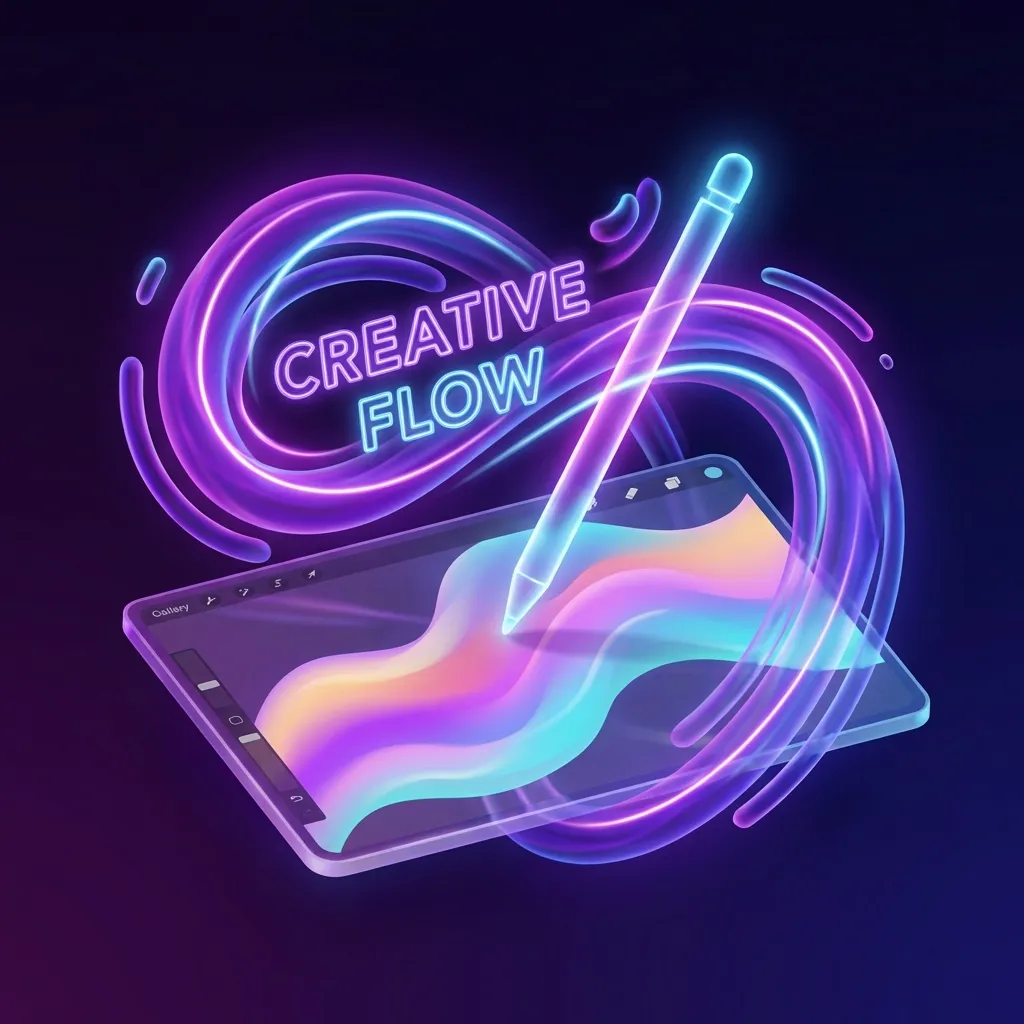
Did you know digital art is everywhere in our lives? It's in the amazing visual effects of movies and the detailed graphics of video games. Digital art surrounds us.
So, what is digital art really? It's artwork made with computer software. This includes drawings, paintings, videos, and photos, all made electronically.
What is Digital Art
Exploring digital art opens up a world of endless possibilities. Artists are constantly finding new ways to be creative. With its rich history and ongoing evolution, digital art is an exciting field to learn about.
What is Digital Art: A Comprehensive Definition
Digital art has changed how we see and make art. It opens up new ways to express creativity. You'll find everything from digital paintings to 3D models and animations in this world.
The Evolution of Artistic Expression in the Digital Age
Digital technology has changed the art world a lot. Artists now use new digital art techniques and mediums. This has led to many types of digital art, like 2D and 3D, pixel art, and vector graphics.
Key Characteristics That Define Digital Art
So, what makes digital art special? It uses digital tools and software. It's easy to edit and share online. Knowing these traits helps us see why digital art is different from traditional art.
The Historical Journey of Digital Art
Exploring digital art's evolution reveals a rich history. This journey started decades ago, with the first experiments in the 1960s.
Early Pioneers and Breakthrough Moments
The 1960s saw the beginning of digital art, thanks to pioneers like John Whitney and Ivan Sutherland. They introduced new techniques and tools. Their work showed digital art's potential and set the stage for today's diverse digital art forms.
How Digital Art Gained Mainstream Recognition
As technology improved, digital art became more accepted. The 1990s were key, with the internet and graphic design software making digital art mainstream. Now, digital art is celebrated globally, with many exhibitions and festivals.
Major Types of Digital Art You Should Know
Digital art offers many ways to express your creativity. It includes 2D digital painting, 3D modeling, digital photography, and pixel art. Each form has its own unique possibilities for creativity.
2D Digital Painting and Illustration
2D digital painting and illustration use digital tools to mimic traditional art. Artists use software like Adobe Photoshop to create detailed images. This art is popular in concept art, comic books, and children's books.
3D Modeling and Sculpture
3D modeling and sculpture create three-dimensional objects with software like Blender or Autodesk Maya. These models are used in film, video games, and product design. Viewing 3D models from different angles is a big advantage over traditional sculpture.
Digital Photography and Photo Manipulation
Digital photography and photo manipulation capture images with digital cameras and edit them with software. Editing allows artists to create surreal or artistic effects. This art is used in advertising, fashion, and fine art photography.
Pixel Art and Vector Graphics
Pixel art and vector graphics are different digital art forms. Pixel art uses small, square pixels for retro-style games and animations. Vector graphics use math to draw shapes and lines, making them scalable. They are used in logo design, illustrations, and graphic design.
Essential Digital Art Tools for Beginners
Starting your digital art journey means getting the right tools. As a beginner, knowing the basic tools is key. It helps you make amazing art and enjoy the process more.
Choosing Your First Drawing Tablet
Finding your first drawing tablet can feel overwhelming. But, it's a big step in your digital art adventure. Look for a tablet that's both affordable and performs well. Wacom and Huion are great for beginners because they're both good quality and not too pricey.
Think about the size of the tablet too. A bigger one gives you more space to create. But, it might take up more room on your desk.
Stylus Options and Pressure Sensitivity
A stylus is very important for digital artists. Its quality really matters. When picking a stylus, look at its pressure sensitivity.
More pressure sensitivity means you can make finer lines and control your art better. Many drawing tablets today have styluses with 4,096 or more levels of sensitivity. This makes drawing feel more natural.
Setting Up Your Digital Workspace
Having a good digital workspace is key for being productive and comfortable. Make sure your drawing tablet is at a comfy height and distance. Get a good chair and think about ergonomic accessories to avoid getting tired.
Organize your digital files and software well. This makes it easier to find what you need and work more efficiently. With the right digital art tools and a well-set workspace, you're ready to make amazing digital art.
Popular Digital Art Software to Master
Starting your digital art journey means choosing the right software is key. The digital art world has many tools, from free ones for beginners to top-notch apps for pros.
Free Software Options for Beginners
For newbies, free digital art software is a great place to start. Krita and GIMP are top picks. They have lots of features like layers, brushes, and file formats. They're perfect for learning digital art basics without spending money.
Professional Software Worth the Investment
As you get better, you might want to try professional software. Adobe Photoshop is the top choice for editing images. Procreate is great for iPad users, known for its easy use and strong features.
Mobile Apps for Digital Art on the Go
With mobile devices, you can make art anywhere. Apps like Procreate Pocket and Adobe Fresco are powerful and small. They're ideal for quick sketches or working on smaller screens.
Trying out these software options can help you find the best fit for your art. This way, you can master digital art.
Getting Started: Basic Digital Art Techniques
Starting your digital art journey is exciting. It's important to learn the basics to create amazing art. Digital art has many tools and methods to help you. We'll cover the essential techniques to build your skills.
How to Use Layers Effectively
Layers are key in digital art. They let you work on different parts of your art separately. This makes editing and improving your work easier. You can change colors, textures, and more without messing up the rest of the image.
Mastering Brush Settings and Customization
Customizing brushes is a must for digital artists. Most software has many brush options you can adjust. Trying out different settings can give you special textures and effects for your art.
Understanding Digital Color Theory and Palettes
Color theory is crucial for beautiful digital art. Color palettes set the mood and feel of your art. Learning about color harmony and making good palettes can really boost your art's quality.
Working With Selection Tools and Masks
Selection tools and masks are powerful in digital art. Masks let you edit without changing the original image. Getting good at these tools can improve your editing skills a lot.
Step-by-Step Guide to Creating Your First Digital Artwork
Your first digital artwork is just a few steps away. This guide will show you how to create it. Creating digital artwork involves several key stages, from initial planning to finalizing your piece.
Planning Your Composition and Reference Collection
Start by planning your composition. Gather references that inspire your artwork. This can include photographs, sketches, or other digital art examples. This stage is crucial for setting a solid foundation for your art.
Creating a Clean Digital Sketch
Next, create a clean digital sketch. Use your preferred digital art software to sketch out the basic elements of your composition. Keep your lines loose and focus on getting the proportions right.
Adding Base Colors and Blocking Shapes
Once you're happy with your sketch, start adding base colors and blocking in larger shapes. This step helps to establish the overall mood and color palette of your artwork. It draws from your understanding of digital art history and techniques.
Refining Details and Adding Texture
With the base colors in place, refine the details of your artwork. Add textures and patterns to enhance the visual interest. This stage allows you to get creative and add personality to your piece.
Finalizing and Exporting Your Work
Lastly, finalize your artwork by making any last adjustments to color, contrast, or composition. Then, export your work in the desired format, ready to be shared or showcased.
By following these steps, you'll be well on your way to creating your first digital artwork. Remember, practice is key. Don't be discouraged if your first pieces aren't perfect. Keep experimenting and learning from digital art examples and history to improve your craft.
Digital Art vs. Traditional Art: Understanding the Differences
Knowing the differences between digital and traditional art helps you pick the best medium for your projects. Each has its own benefits and challenges.
Advantages of Working Digitally
Digital art is flexible and easy to edit. You can change your work quickly without harming it. It's also easy to share and replicate your art.
Plus, digital art is versatile. You can create many styles and effects with different software. This versatility is great for artists who love trying new things.
When Traditional Methods Still Shine
Traditional art gives a tactile experience that many artists cherish. Working with paints, canvases, and brushes is very rewarding. It also creates unique textures that make a piece special.
Some artists like traditional methods because they connect them directly to their creativity. Applying paint or pencil to paper is engaging. Also, original traditional art can be very valuable, both financially and emotionally.
Advanced Digital Art Techniques to Elevate Your Work
Mastering advanced digital art techniques is key to creating stunning artwork. As you grow, exploring new methods will elevate your work.
How to Create Realistic Lighting and Shadows
Realistic lighting and shadows are crucial for believable digital art. Understanding light's interaction with surfaces and objects is essential. Use reference images to study light in different scenarios. Practice adjusting light intensity, direction, and color in your art.
Techniques for Adding Texture and Depth
Adding texture and depth makes your art more engaging. Use layer blending modes and experiment with brush settings. Subtle texture overlays can also boost realism.
Using Blending Modes for Professional Effects
Blending modes in digital art software create complex effects. By trying different modes, you can add unique visual effects to your art.
Introduction to Digital Animation Basics
Digital animation adds a new dimension to your art. Start by learning animation basics like timing, spacing, and motion. Many software programs have animation tools for beginners.
Using these advanced techniques will make your artwork more sophisticated. It will show off your skills and creativity.
Troubleshooting Common Digital Art Challenges
Starting your journey in digital art can bring up many challenges. Learning to use digital art tools well is key. It helps you get past these hurdles and make great art.
Overcoming the Disconnect Between Hand and Screen
One big challenge is getting your hand movements to match what you see on the screen. To beat this, practice a lot with your drawing tablet or stylus. This builds muscle memory and boosts your accuracy.
Fixing Common Mistakes in Digital Artwork
Making mistakes is part of creating, but digital art makes fixing them easier. Use the undo feature and work on different layers. Tools like selection and masking help you fix errors and make your art better.
Knowing the differences between digital art vs traditional art helps too. It lets you use digital tools to your advantage.
Dealing With Software Learning Curves
Digital art software can be tough to learn, but don't worry. Start with tutorials and online guides to learn the basics. As you get better, explore more advanced features. And don't be afraid to ask for help from online communities or forums.
Showcasing and Monetizing Your Digital Art
As you get better at digital art, think about how you'll share your work. Having a strong online presence is key today.
Building an Online Portfolio and Social Media Presence
Creating a professional online portfolio is a smart move. It lets you showcase your digital art examples and draw in clients. Use sites like Behance or Wix for your portfolio. Make sure it's easy to use and looks good.
Also, use social media like Instagram and TikTok. Share your creative process and talk to your followers.
Selling Digital Art: Prints, Commissions, and NFTs
You can make money by selling prints online through places like Etsy or Redbubble. Offering custom commissions lets you work directly with clients. You can also explore NFTs (Non-Fungible Tokens) for a new way to sell digital art.
Finding Freelance Opportunities as a Digital Artist
To find freelance work, join sites like Upwork or Freelancer. Be ready to show off your skills and portfolio. Networking in the digital art world can also open doors. So, join online forums and discussions.
By building a strong online presence and using different sales methods, you can show and sell your digital art.
Conclusion: Embracing Your Journey in Digital Art
As you keep moving forward in digital art, it's key to know what it is. Digital art is a broad field, covering everything from 2D paintings to 3D models. It all comes to life with digital tools.
Getting into digital art is more than just knowing how to use tools. It's about practicing often and keeping up with new methods and software. You've seen how big the digital art world is, with many styles and uses, like painting, photography, and animation.
To take your skills further, try out different digital art software. There are free options and top-notch tools to explore. Playing with techniques like layering, color, and texture will help you stand out in the digital art scene.
As you grow, think about sharing your art online, joining the community, and maybe even making money from it. You can sell prints, take on commissions, or even create NFTs. The world of digital art is vast, and your imagination is the only thing that can stop you.
FAQ
What is digital art?
Digital art is made using digital tools like computers and software. It includes things like digital drawings and animations.
What are the key characteristics of digital art?
Digital art is flexible and easy to change. It can be 2D or 3D, and even interactive. This makes it very versatile.
What are the different types of digital art?
There's 2D painting, 3D modeling, and digital photography. You also have pixel art and vector graphics.
What software is used for digital art?
Adobe Photoshop and Illustrator are popular. Blender is also used. There are free options like Krita and GIMP. Mobile apps like Procreate are great too.
How do I get started with digital art?
You need a digital tablet, a computer, and software. Start with basic skills like using layers and brushes.
What is the difference between digital art and traditional art?
Digital art uses digital tools, while traditional art uses physical materials. Digital art is flexible, but traditional art offers a unique feel.
How can I showcase and monetize my digital art?
Show your art online and on social media. Sell prints, offer commissions, or create NFTs. Freelance work is another option.
What are some common challenges faced by digital artists?
Artists face challenges like mastering digital tools and fixing mistakes. Practice and tutorials can help.
What are some advanced digital art techniques?
Techniques include realistic lighting and adding texture. Learn by experimenting and watching tutorials.
How has digital art evolved over time?
Digital art has grown from the 1960s to today. New tech has opened up creative possibilities for artists.